
 USD
USD EUR
EUR GBP
GBP CAD
CAD AUD
AUD HKD
HKD JPY
JPY KRW
KRW SGD
SGD NZD
NZD THB
THB TWD
TWD Français
 English
 繁體中文
繁體中文 日本語
日本語 한국어
한국어 ไทย
ไทย Bahasa Indonesia
 Español
 Deutsch
 Português
 Nederlands
 Tiếng Việt
By EVPADPro | 05 July 2023 | 0 Comments
Comment Installer l'Application Set-top Box sur la Box Android Svicloud 9Pro ?
Comment Installer l'Application Set-top Box sur la Box Android Svicloud 9Pro ? Il existe normalement 5 méthodes pour installer des applications sur la box Android TV Svicloud 9Pro .
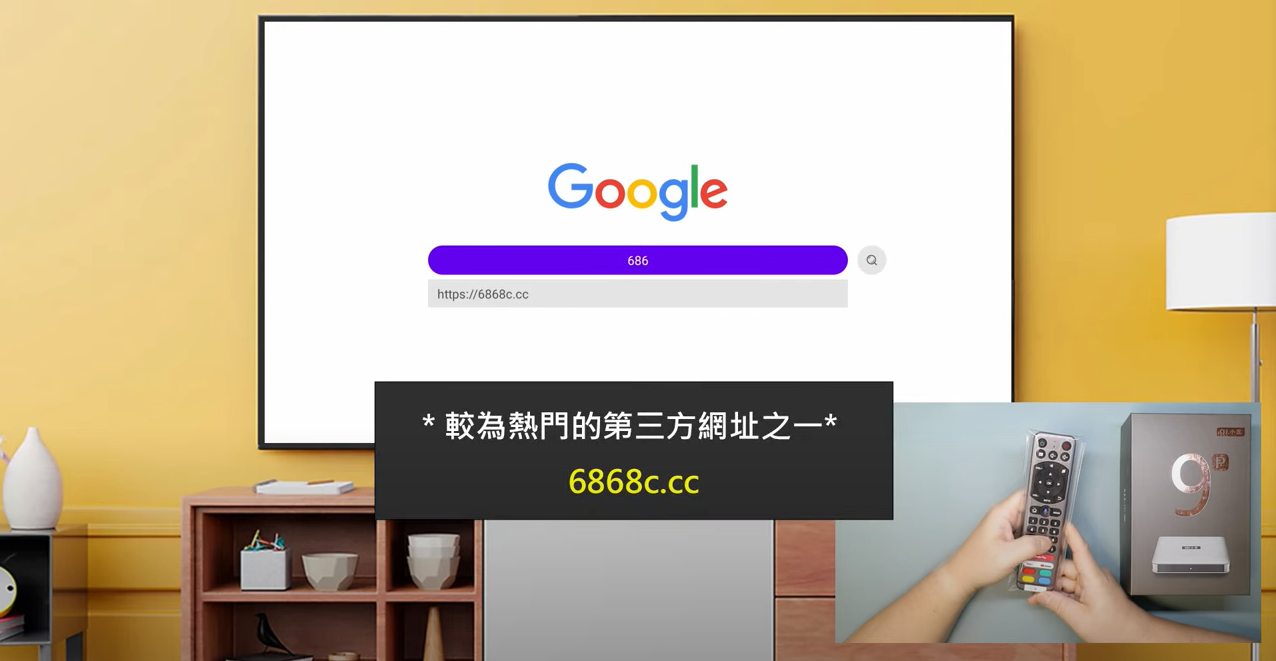
1, entrez une URL dans le navigateur du boîtier TV et téléchargez les applications.
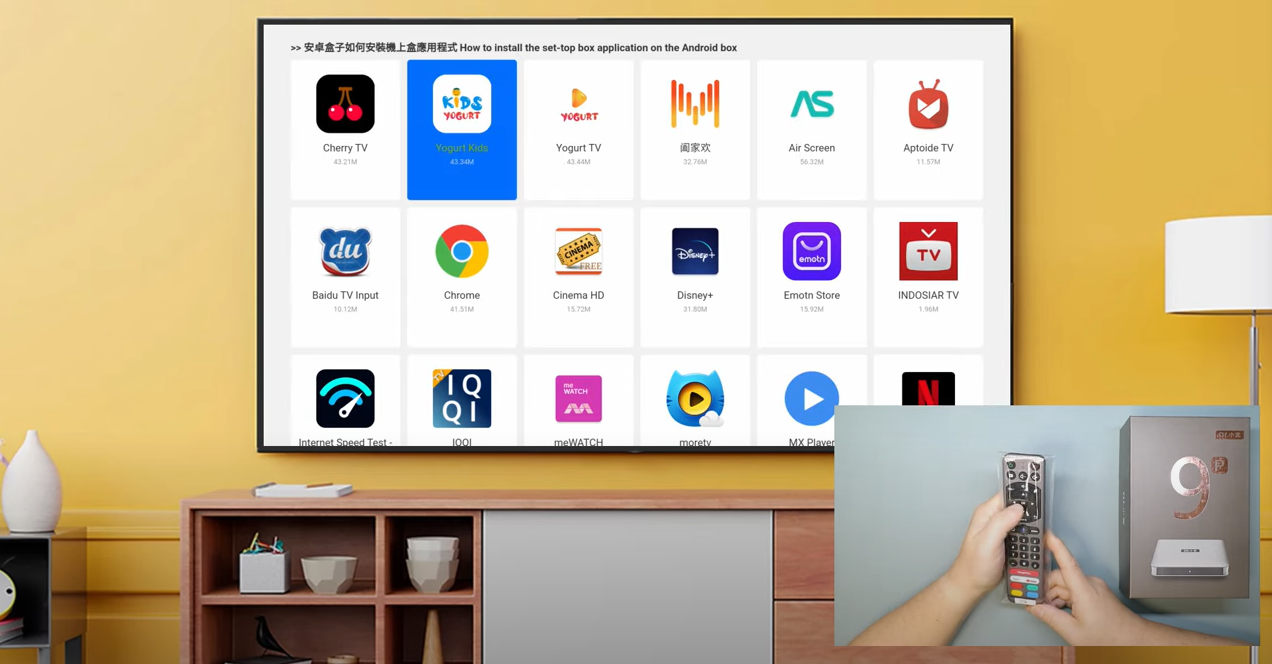
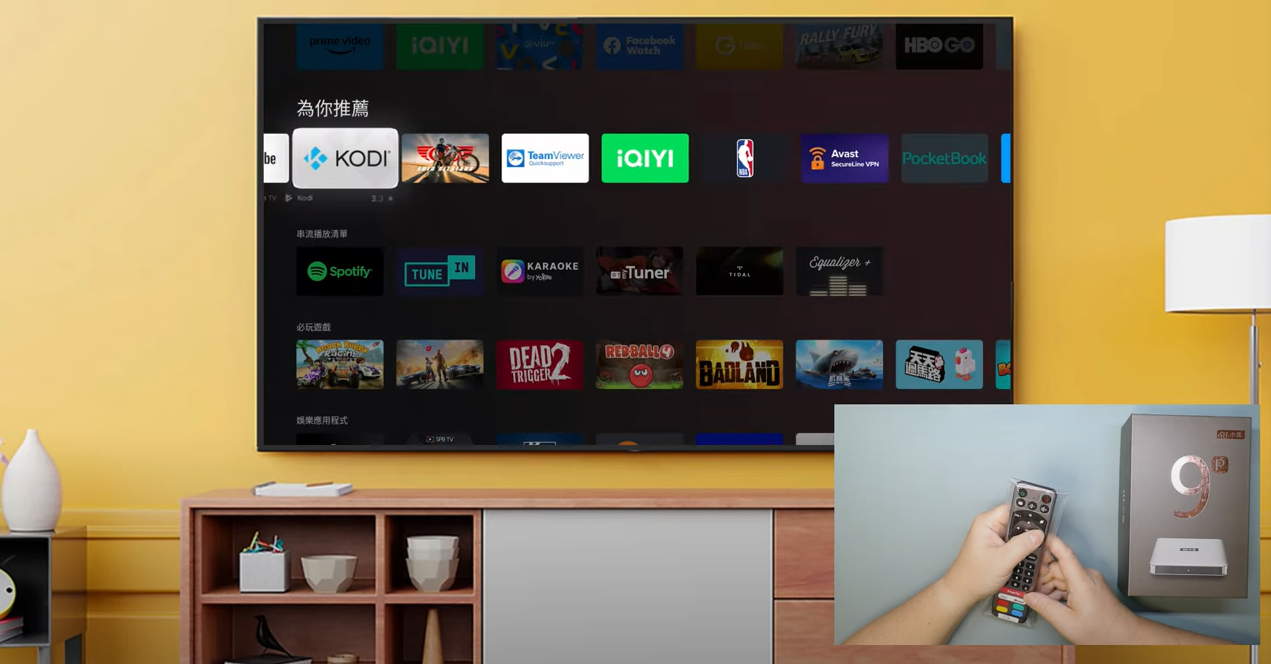
2, allez sur Google Play Store et téléchargez les applications.
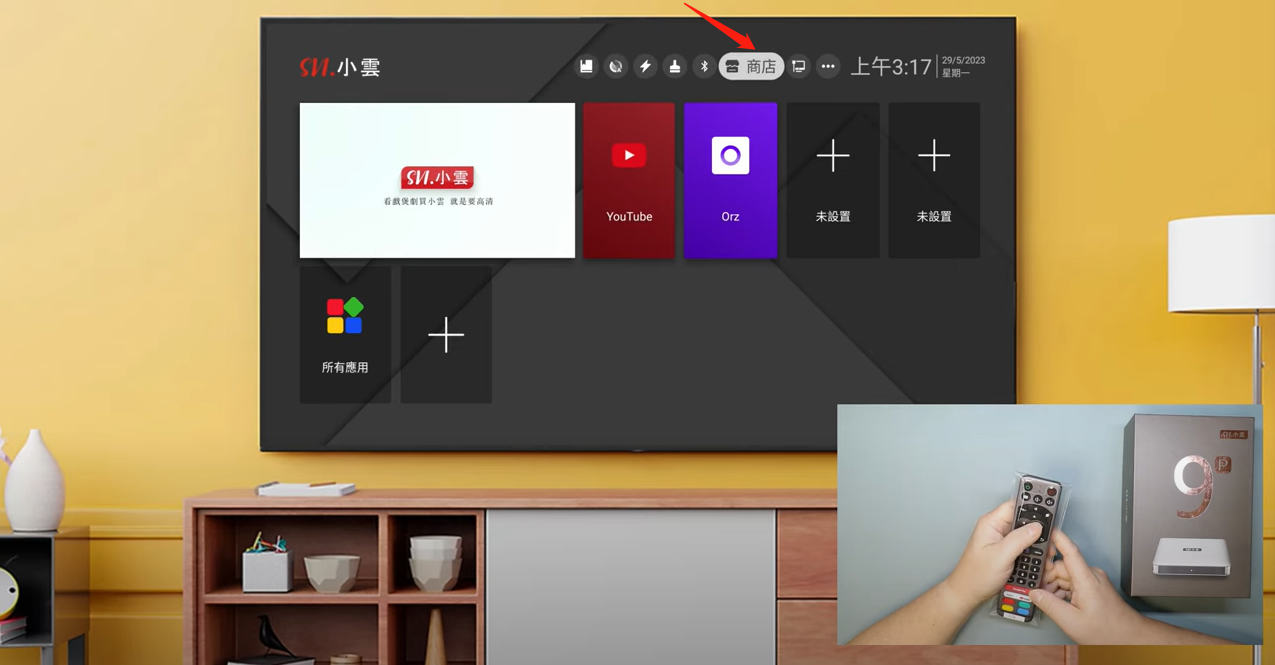
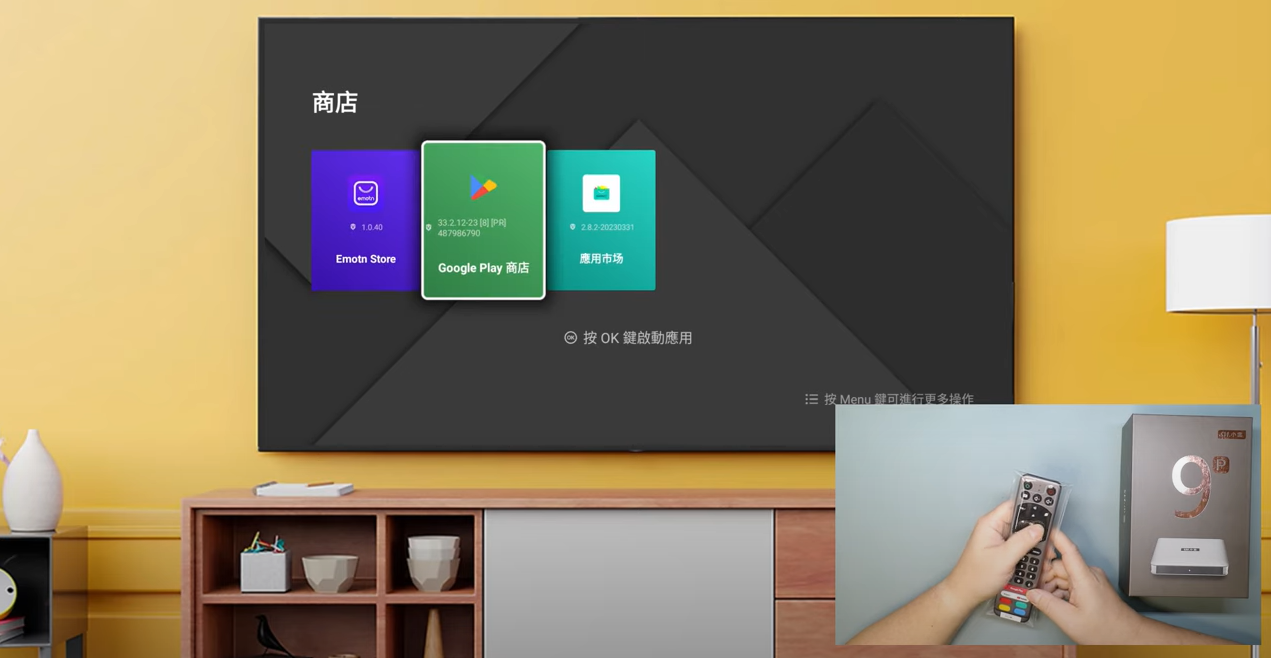
3, Accédez à Emotn Store et téléchargez les applications.
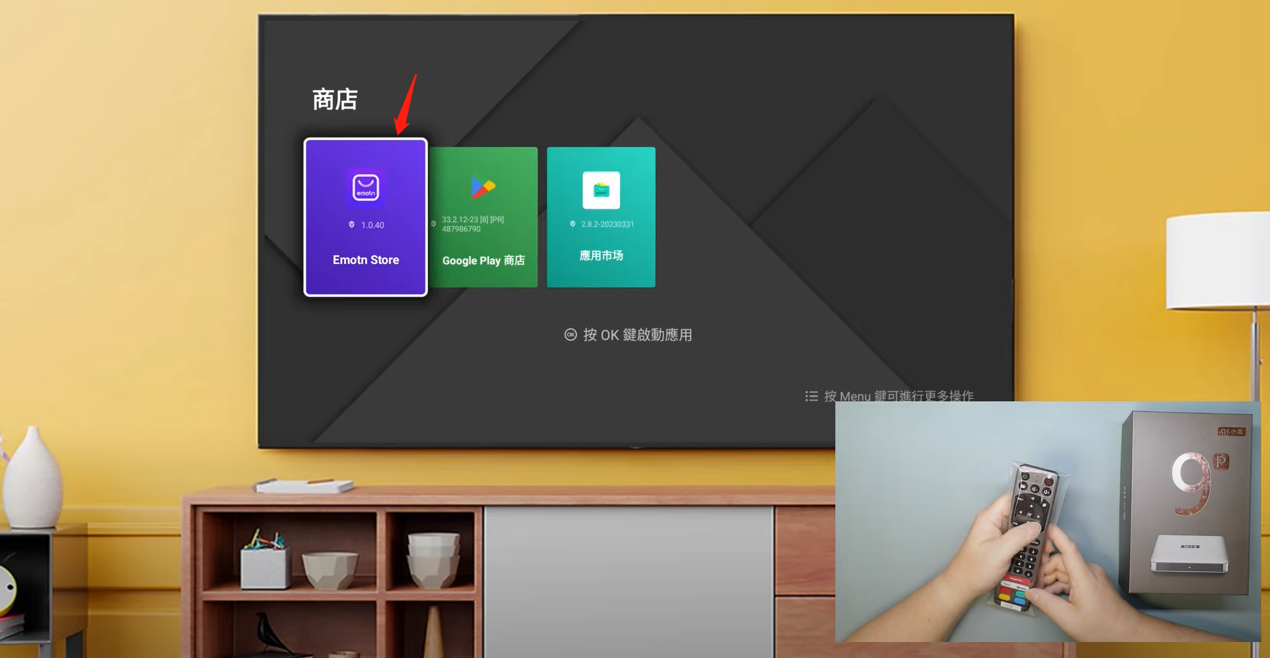
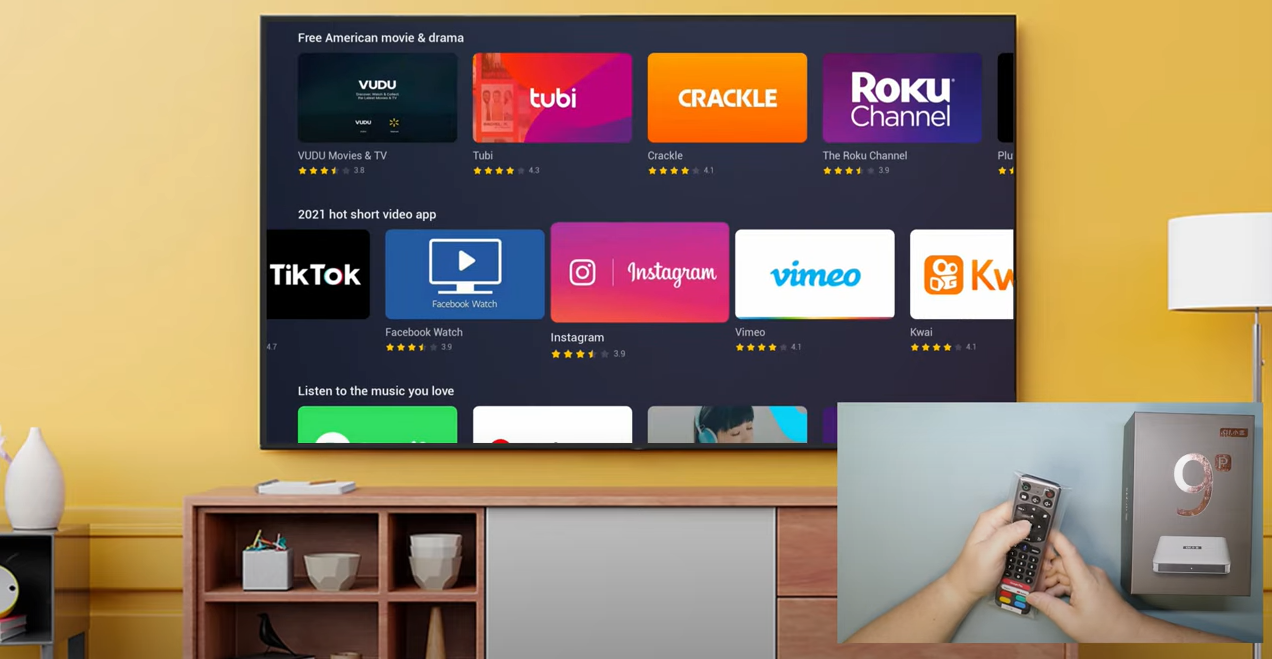
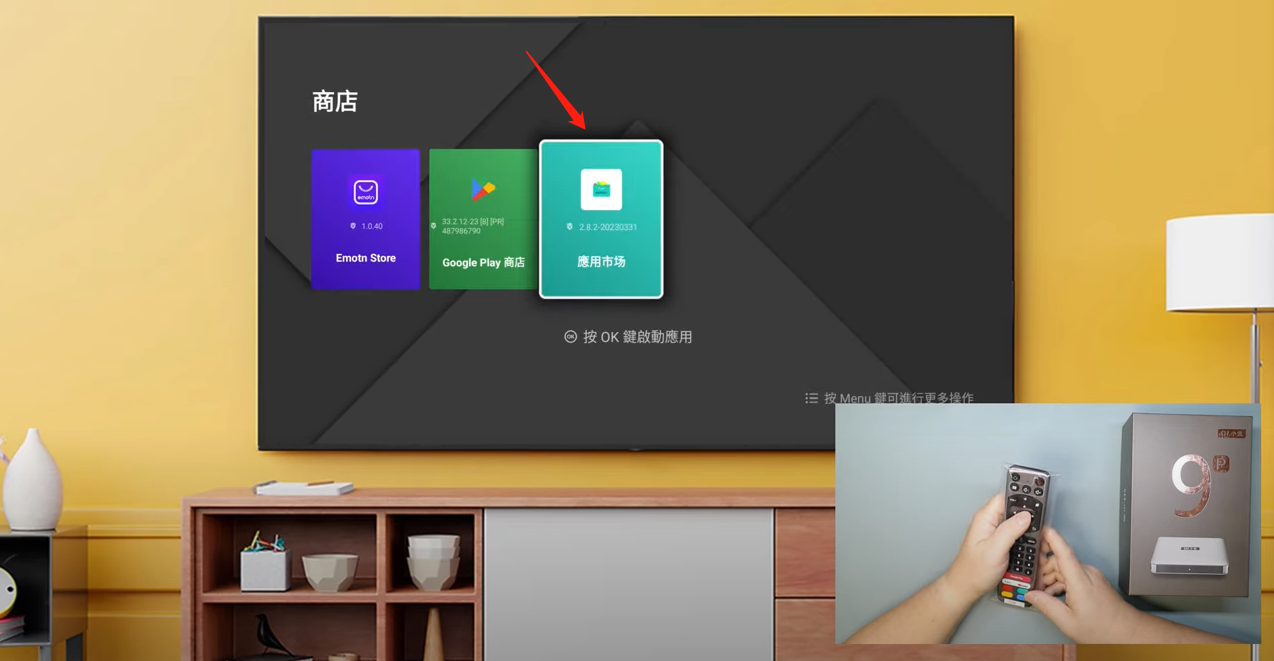
4, Accédez à l'App Store et téléchargez les applications.
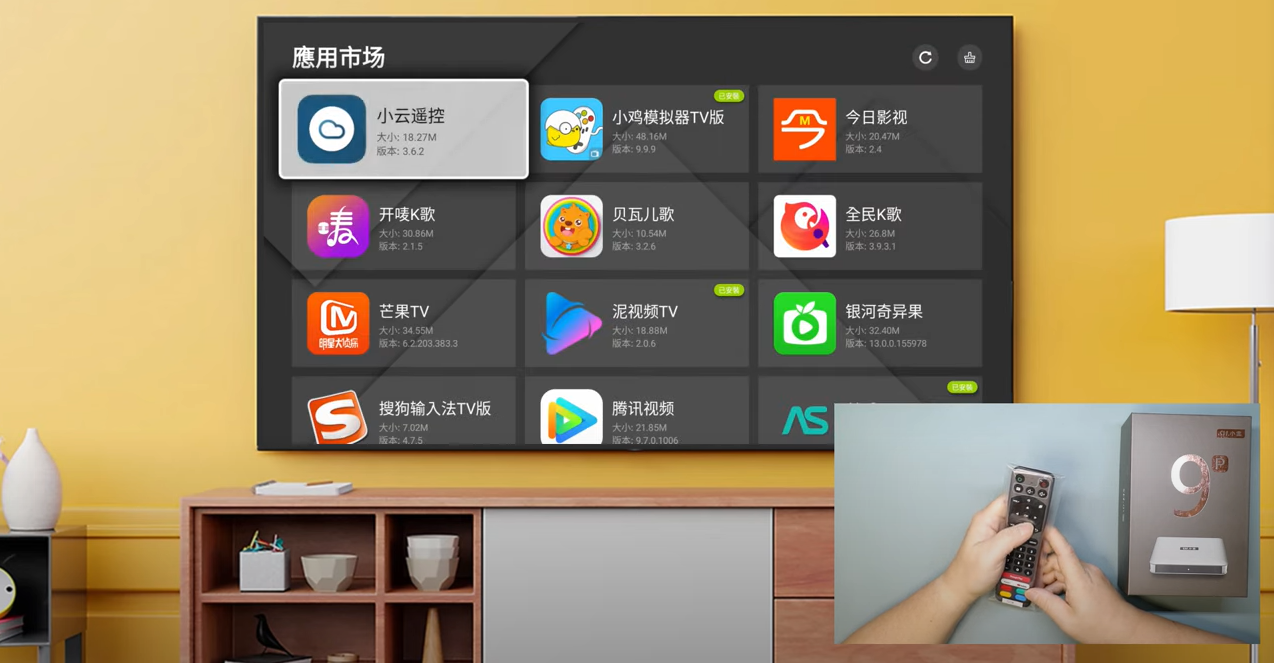
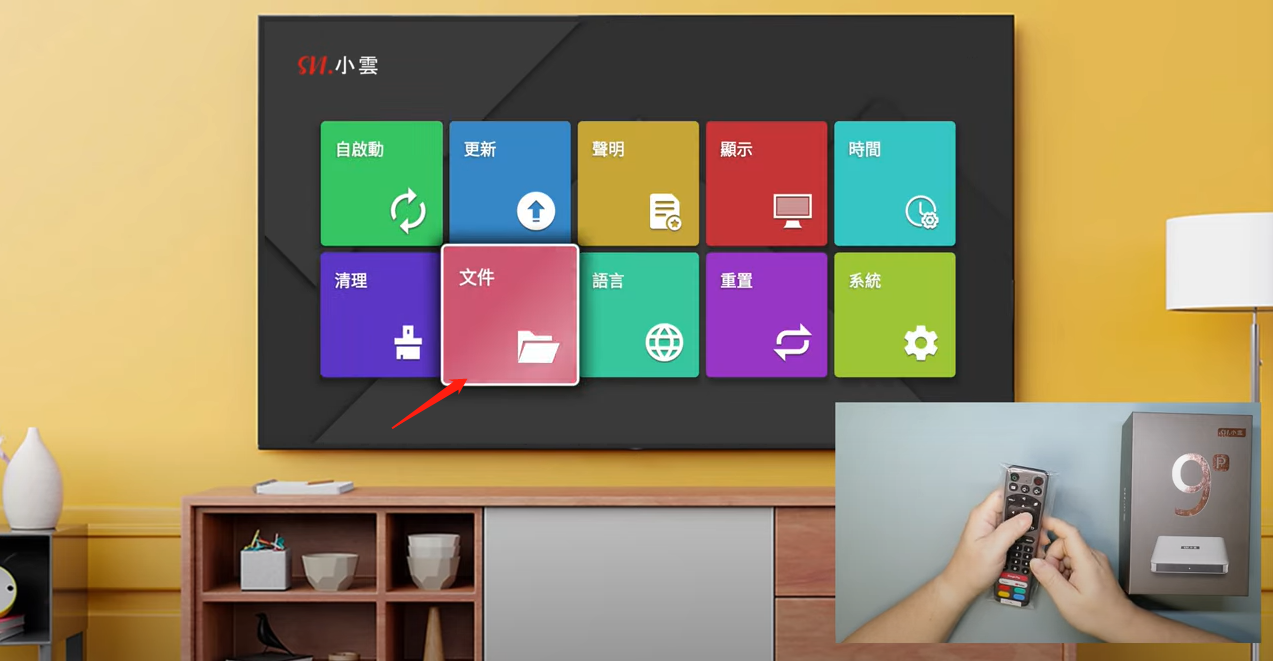
5, utilisez une clé USB et téléchargez les applications.